t’s one of the most common questions we hear at Appel…
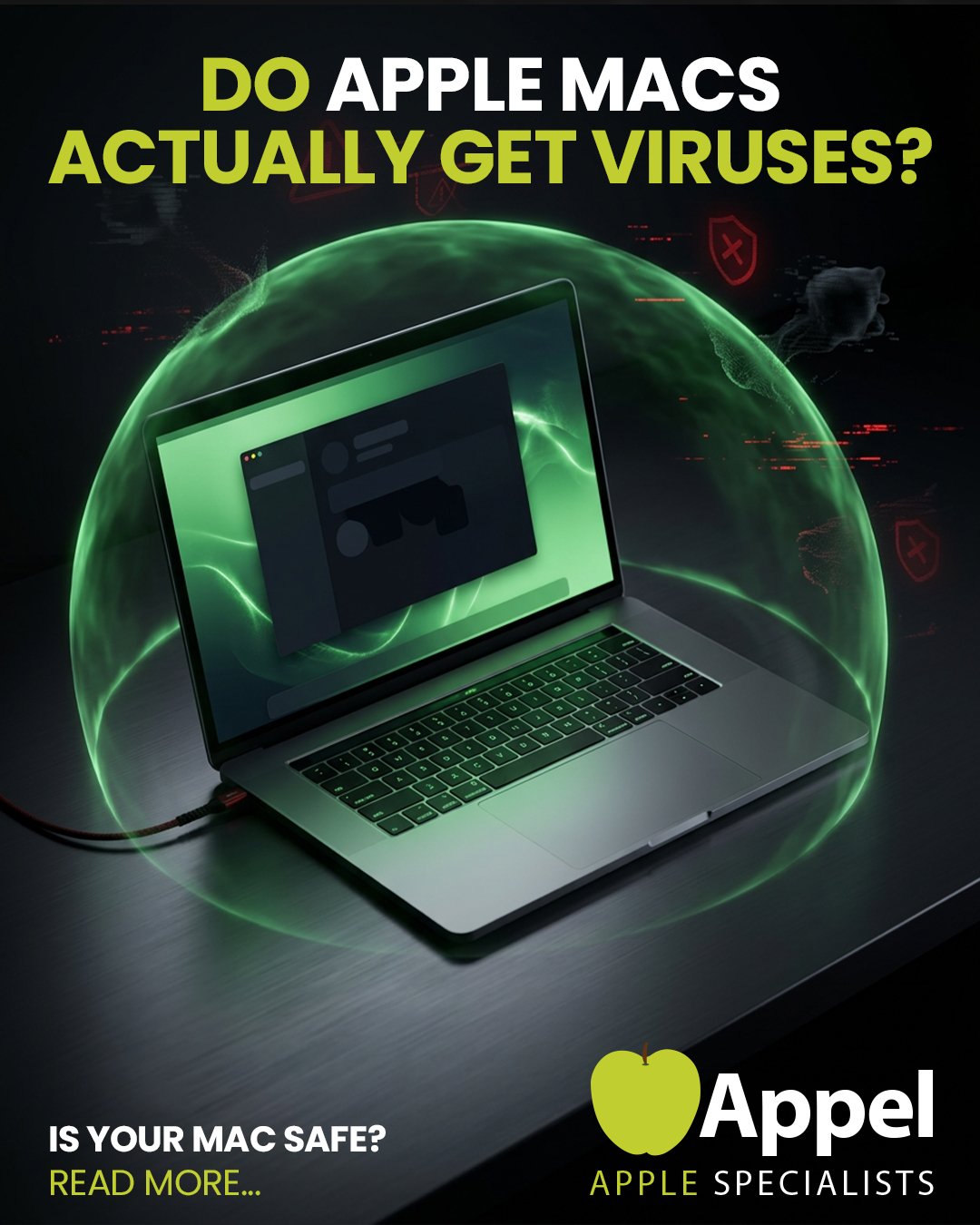
“Can my Apple Mac get a virus?”
The short answer?
👉 Not in the way most people think — but you’re not completely safe either.
Let’s break it down properly 👇
💻 Are Apple Macs Safe From Viruses?
Apple devices are built on a Unix-based system, which makes them far more secure than most Windows machines.
In fact, true “viruses” targeting macOS are extremely rare in the real world.
But here’s the important bit…
👉 That doesn’t mean your Mac is immune.
There are still plenty of other threats out there.
⚠️ The Real Threat: Malware & Scams
While traditional viruses are rare, Macs can still be affected by:
- Malware
- Trojans
- Fake antivirus software
- Phishing attacks
- Browser redirects
These are often far more dangerous than viruses because they rely on tricking you rather than attacking the system directly.
🚨 The Biggest Risk? Fake Security Software
One of the most common issues we see is “scareware” — fake pop-ups telling you your device is infected.
They’ll try to get you to download software like:
- MacKeeper
- Fake antivirus tools
- Suspicious “cleaning” apps
👉 These can actually damage your system or steal your data.
🔧 Built-In Apple Protection (And Why It’s Not Enough)
Apple includes built-in protection like:
- XProtect
- File Quarantine
- System security updates
These help — but they’re not foolproof.
👉 Most problems we see aren’t from viruses…
👉 They’re from bad installs, dodgy downloads, or user error
🌐 How Infections Actually Happen
Most issues come from:
- Downloading apps from unknown websites
- Clicking suspicious links
- Using torrent / file-sharing software
- Visiting unsafe websites
- Installing outdated plugins like old Flash or Java
👉 In simple terms:
It’s not the Mac — it’s what gets installed on it.
🛡️ How to Protect Your Mac
Here’s what we recommend at Appel:
✔ Only download from trusted sources
✔ Keep your system updated
✔ Avoid pop-ups and “urgent” warnings
✔ Don’t install unknown software
✔ Use trusted tools like Malwarebytes
⚡ Final Thought: Macs Are Safer… Not Invincible
Macs are still one of the safest systems out there — no question.
But they’re not immune to poor installs, scams, or malware.
👉 And that’s where we come in.
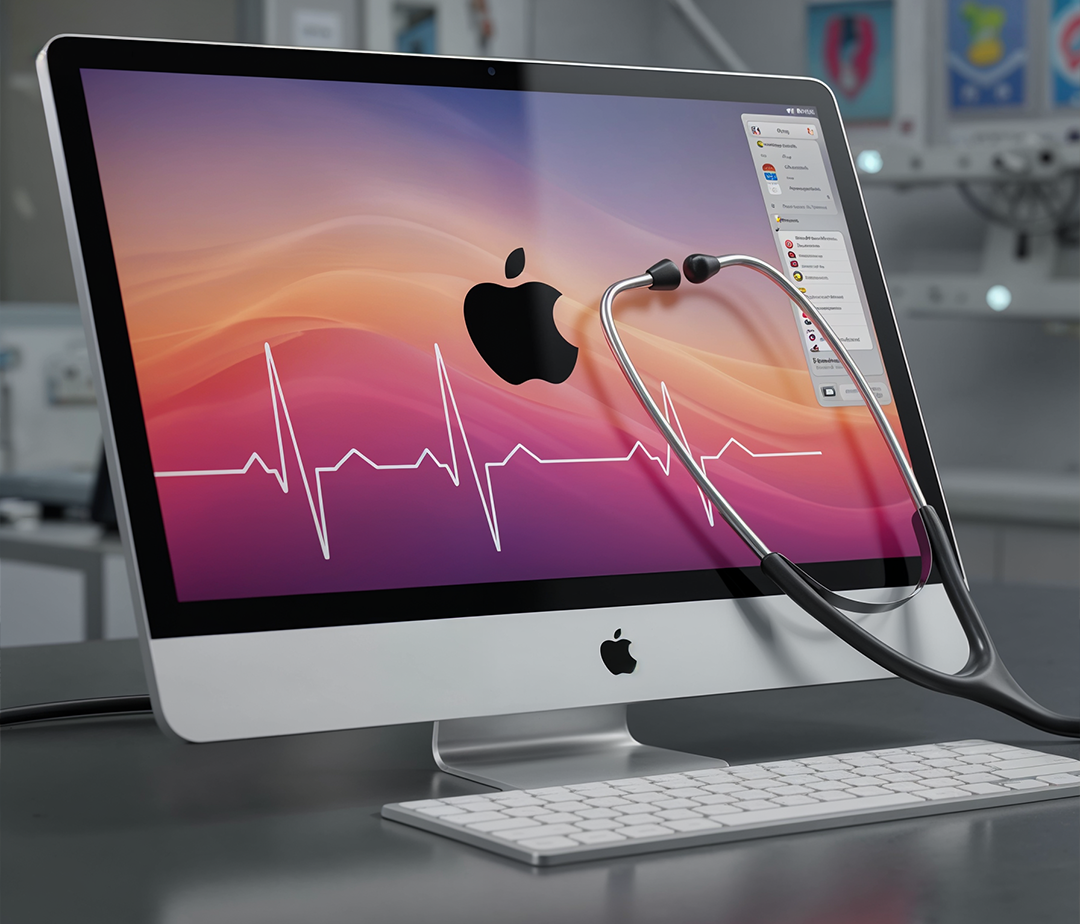
🔧 Need a Check-Up?
If something doesn’t feel right — slow performance, strange pop-ups, or odd behaviour — don’t ignore it.
At Appel, we offer full device health checks to make sure everything is running exactly as it should.
Or give us a call — we’ll take a look and give you honest advice.